10 Free AI Tools to Replace Paid AI Subscriptions in 2026
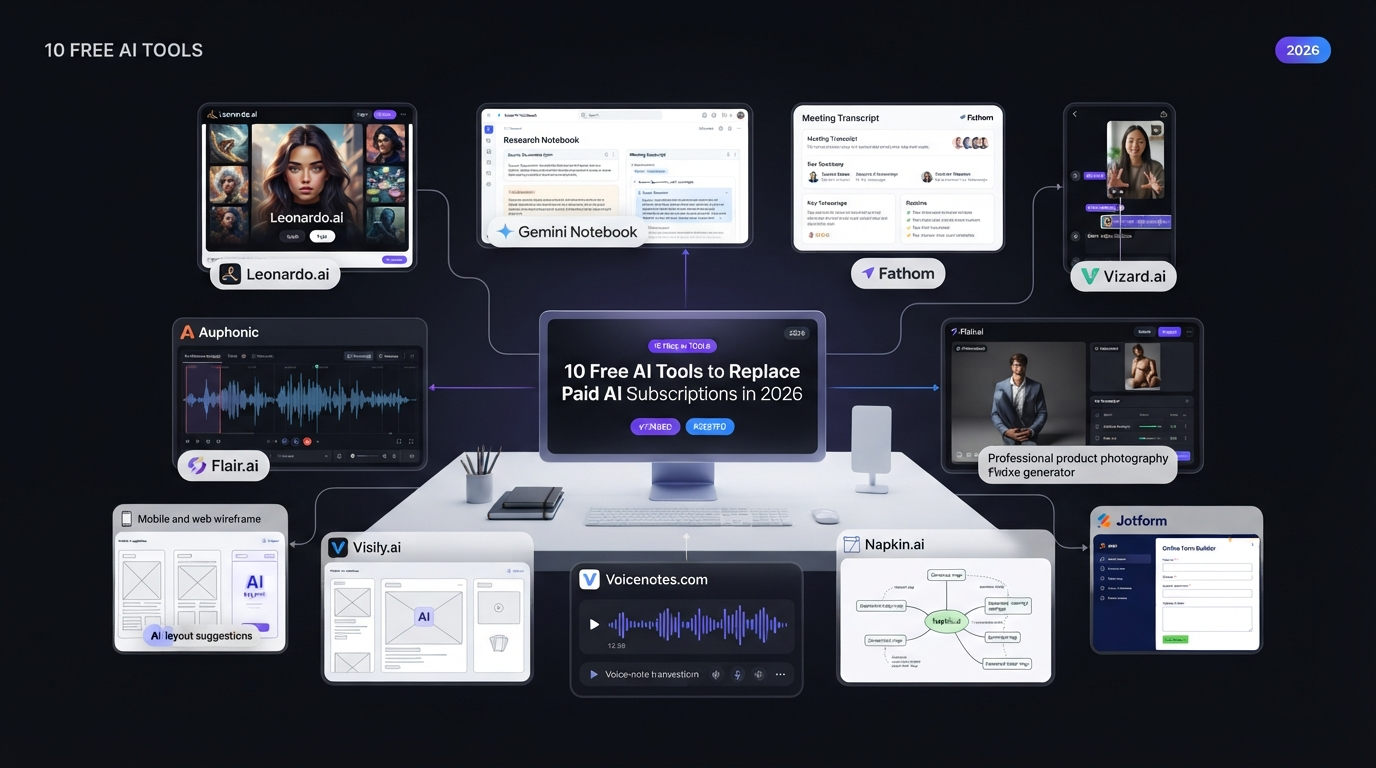
AI subscriptions can become expensive very quickly. One tool for image generation, another for research, one for meeting notes, another for video editing, and more for audio, design, dictation, and forms can create a large monthly bill. The good news is that many AI tools now offer useful free plans in 2026. These free options can help students, freelancers, creators, marketers, small businesses, and everyday users complete common tasks without paying for several premium subscriptions.
A free plan does not always provide everything included in a paid plan. You may face limits on credits, exports, storage, projects, processing time, or advanced features. However, if you only use an AI tool occasionally, the free allowance may be enough. Here are 10 free AI tools that can help replace or reduce the need for paid AI subscriptions in 2026.
Quick Comparison of Free AI Tools
| Free AI Tool | Main Use | Paid Alternative | Paid Alternative Price |
| Leonardo AI | Image Creation | Ideogram Plus | $20/month |
| Gemini Notebook | AI Research | Elicit Plus | $11/month annually |
| Fathom | AI Meeting Notes | Granola Business | $14/user/month |
| Vizard | Long Video to Shorts | OpusClip | Varies by plan |
| Auphonic | Audio Cleanup | Descript Hobbyist | $24/month |
| Flair AI | Product Photography | Pebblely Lite | $9/month |
| Visily | UI/UX Prototyping | Uizard Pro | $12/month annually |
| Voicenotes | Voice Typing | Wispr Flow Pro | $15/month |
| Napkin AI | Visual Thinking | XMind Premium | $8.25/month |
| Jotform | AI Form Creation | Typeform Basic | $39/month |
Prices and plan limits can change, so users should check official pricing pages before purchasing a subscription.
1. Leonardo AI for Image Creation
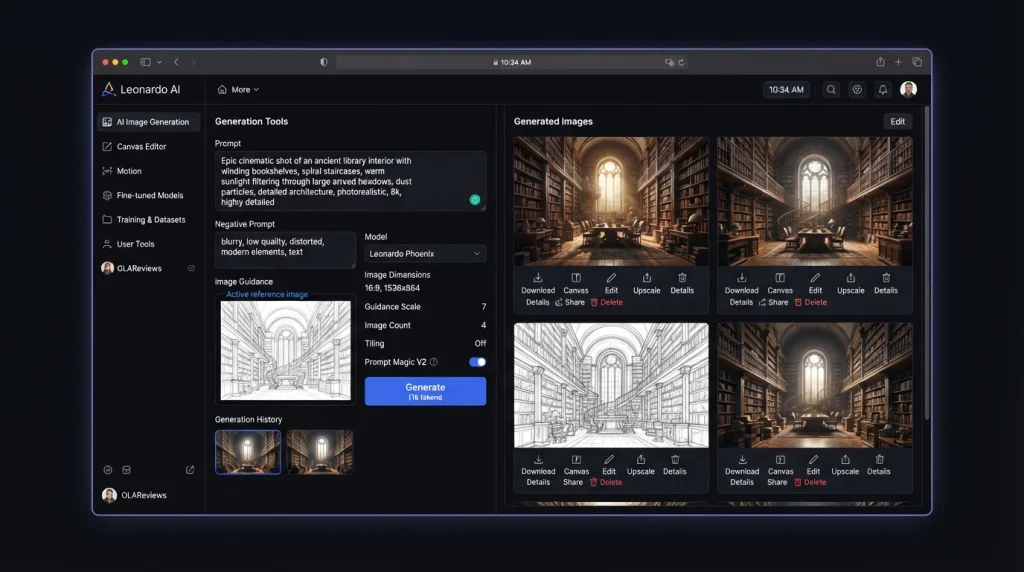
Leonardo AI is a popular AI image-generation platform that can create visuals from text prompts. It is useful for people who need images for blogs, social media, marketing campaigns, presentations, games, and creative projects. Its free plan provides daily Fast Tokens that can be used for image generation and other supported creative features. This gives casual users an opportunity to create AI images without immediately paying for a monthly subscription.
Leonardo AI can be useful for:
- Blog featured images
- Social media graphics
- Concept art
- Marketing visuals
- Character designs
- Game assets
- Product concepts
- Creative experiments
One important difference between Leonardo AI and Ideogram is their focus. Both generate images, but Ideogram is particularly useful when accurate text inside an image is important, while Leonardo AI provides a broader creative generation workflow. Ideogram Plus currently costs $20 per month when billed monthly, with a lower effective monthly price when billed annually.
Why Try Leonardo AI for Free?
If you only need a few images every day, the free allowance can be useful. It allows you to test different prompts and styles before deciding whether you actually need a premium image-generation subscription. Free plans can have privacy and licensing differences from paid plans, so businesses should review the current terms before using generated images commercially.
2. Gemini Notebook for AI Research
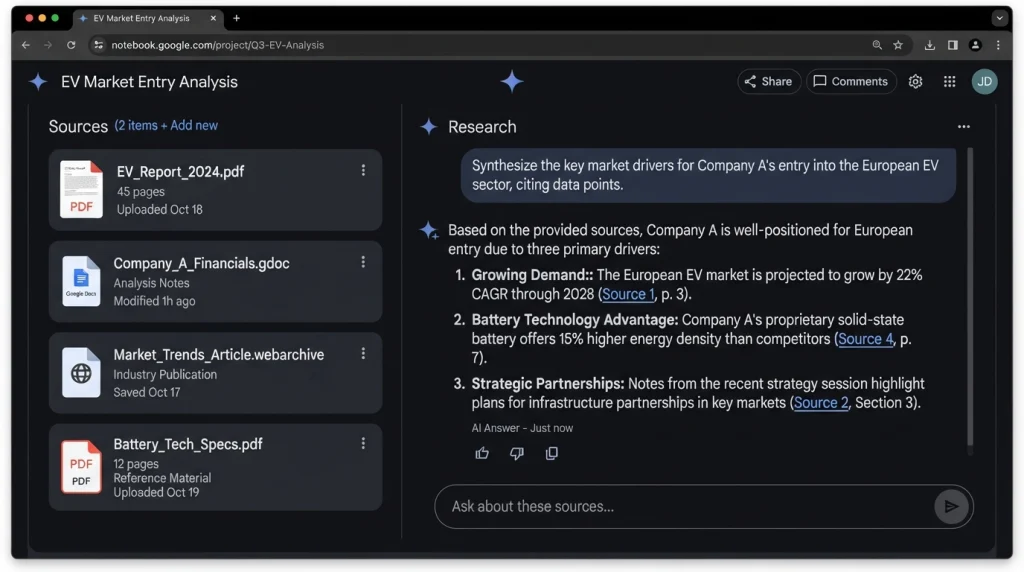
Google’s former NotebookLM has been renamed Gemini Notebook. It is designed for research and learning using information from sources supplied by the user. This makes it different from simply asking a general-purpose chatbot a question. Gemini Notebook documentation can work with documents and other supported sources and provide answers based on that material.
It can be useful for:
- Research projects
- Studying PDFs
- Understanding reports
- Summarizing documents
- Creating study material
- Business research
- Source-based questions
- Learning from uploaded material
Google provides a free tier with limits on notebooks, sources, questions, and certain AI generations. Paid Google AI plans increase these limits considerably.
Gemini Notebook vs Elicit
Elicit is designed specifically around academic and scientific research. Its free Basic plan provides access to a large academic-paper database, paper summaries, and research features, with limits on some advanced functions.
Elicit Plus currently costs $11 per user per month when billed annually.
For general document research, Gemini Notebook can be a useful free option. For academic literature research, Elicit provides a more specialized workflow.
3. Fathom for AI Meeting Notes
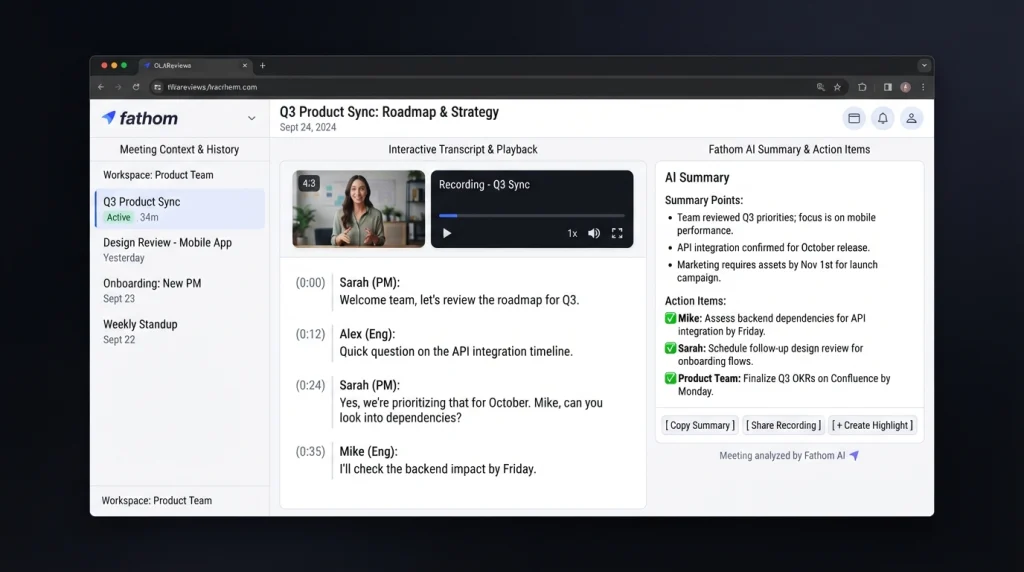
Fathom is an AI meeting assistant designed to record, transcribe, and summarize online meetings. It is useful for people who spend a large part of their workday in meetings. Instead of manually writing every discussion point, Fathom can create transcripts and AI-generated summaries.
Common uses include:
- Meeting summaries
- Action items
- Follow-up notes
- Transcripts
- Important decisions
- Customer conversations
- Sales meetings
- Team meetings
Fathom’s free individual plan provides unlimited recordings, storage, and transcription, along with limits on some advanced AI summary features. This makes it particularly useful for freelancers, consultants, sales professionals, recruiters, agencies, and small teams.
Fathom vs Granola
Granola is another AI meeting-notes platform. Its free plan provides AI meeting notes and other features, while the Business plan adds additional capabilities for teams and organizations.
Granola Business currently costs $14 per user per month.
The main difference is that these tools are not simply interchangeable subscriptions. Their recording methods, AI workflows, integrations, collaboration features, and supported platforms can differ. For someone who mainly wants automated meeting notes, Fathom’s free plan may be sufficient.
4. Vizard for Turning Long Videos Into Shorts
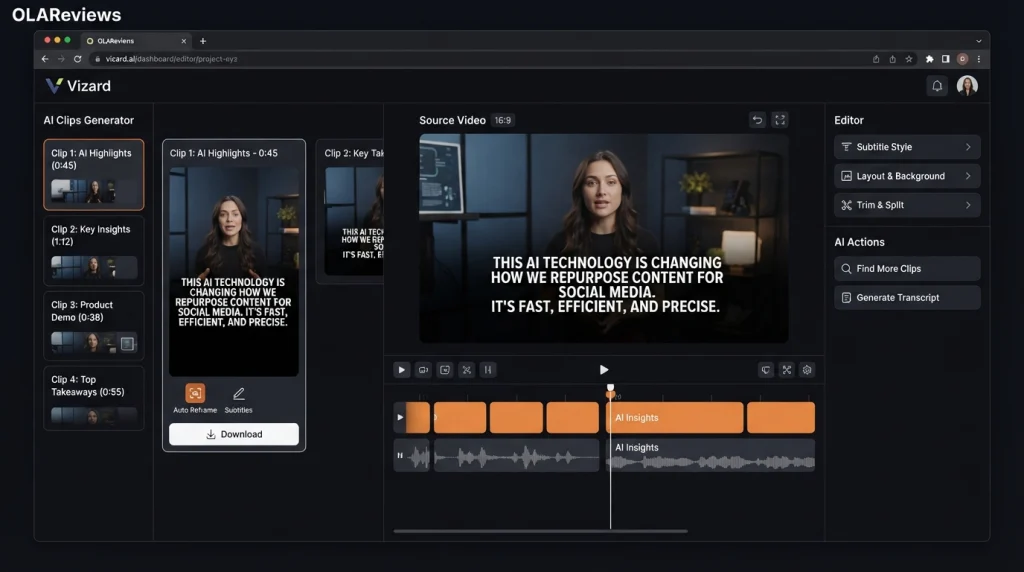
Vizard is designed to turn long-form video into short-form social content. This is particularly useful for creators who publish podcasts, interviews, webinars, educational videos, livestreams, and YouTube content. Instead of watching an entire video and manually searching for interesting sections, AI can identify potential highlights and turn them into shorter clips.
Vizard can help with:
- YouTube Shorts
- TikTok videos
- Instagram Reels
- Podcast clips
- Webinar highlights
- Interview clips
- Marketing videos
- Educational content
The free plan has limits on video processing, exports, storage, and other features. Free exports may also include branding.
Vizard vs OpusClip
OpusClip is another popular AI video-repurposing platform. It can identify highlights from longer videos and turn them into short clips. The exact features and limits differ between the two services. Vizard is useful for creators who want to test AI-powered video repurposing without immediately paying for another subscription. If you only publish a few videos each month, a free plan may be enough. High-volume creators are more likely to reach free-plan limits.
5. Auphonic for Audio Cleanup
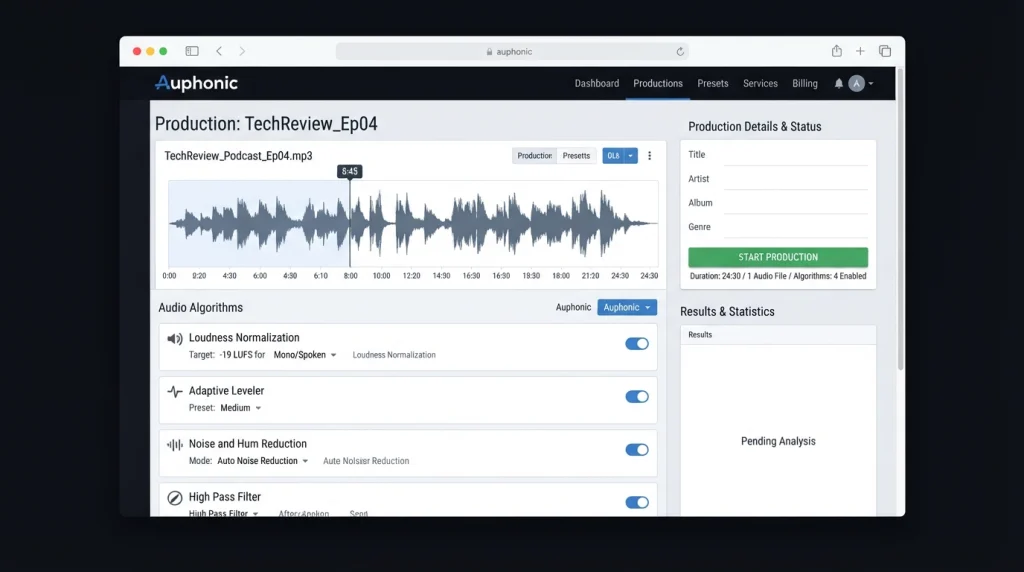
Auphonic is an automated audio-processing platform that can improve spoken audio.
It is useful for:
- Podcasts
- Interviews
- Voice recordings
- Online courses
- YouTube videos
- Presentations
- Spoken-word content
Auphonic can perform tasks such as loudness normalization, leveling, and noise reduction.
The free plan currently provides up to two hours of audio processing per month. Free productions include Auphonic branding in the form of an audio jingle.
For someone who records a small number of podcasts or voice clips, two hours can be enough for basic monthly needs.
Auphonic vs Descript
Descript is a broader audio and video editing platform. It combines transcription, editing, AI tools, and media production features.
Descript’s Hobbyist plan currently costs $24 per month when billed monthly, with a lower effective monthly price when billed annually.
Descript can make sense for users who need a complete editing environment. Auphonic is more focused on automated audio processing.
If your main requirement is improving the quality and loudness of recorded speech, you may not need a complete paid editing platform.
6. Flair AI for Product Photography
Flair AI is designed for creating product photography and marketing visuals with AI.
Traditional product photography can require cameras, lighting equipment, backgrounds, props, and editing software. AI tools can simplify the process by allowing businesses to create product scenes digitally.
Flair AI can be used for:
- E-commerce images
- Product advertisements
- Social media content
- Promotional graphics
- Marketing campaigns
- Product concepts
- Online-store visuals
This can be particularly useful for small businesses that need attractive product visuals but do not have a large photography budget.
Flair AI vs Pebblely
Pebblely is another AI product-image platform. Its Lite plan currently costs $9 per month and provides a limited number of generated images and background options.
Paid plans increase image limits and provide additional capabilities.
The main benefit of trying a free product-photography tool first is that you can determine whether the generated images meet your quality requirements.
Always check product images carefully before publishing them. AI can sometimes alter small details such as packaging, labels, logos, text, proportions, or product features.
7. Visily for UI and UX Prototyping
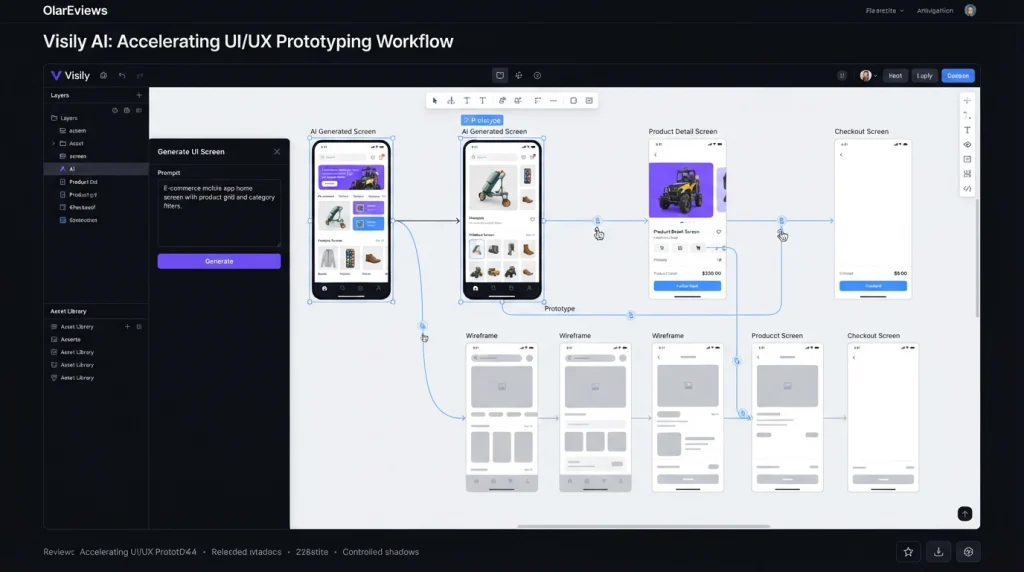
Visily is an AI-powered design and prototyping platform for creating website and application interfaces.
It can help users turn ideas into wireframes, mockups, and prototypes without requiring advanced design skills.
Typical uses include:
- Website wireframes
- Mobile app concepts
- UI mockups
- UX planning
- Product prototypes
- Design brainstorming
- Early-stage product ideas
Visily’s free Starter plan currently includes a limited monthly AI-credit allowance along with standard design functionality.
Its Pro plan costs about $11 per editor per month when billed annually and increases AI credits while adding features such as more boards, Figma support, code export, and additional design capabilities.
Visily vs Uizard
Uizard is another AI-powered UI and UX design platform.
Its free plan allows users to create a limited number of projects and AI generations. Uizard Pro is currently priced at $12 per month when billed annually.
For people who are simply experimenting with website or app ideas, a free Visily account can be enough to create initial concepts.
A paid design platform becomes more relevant when you need larger projects, more AI generations, private projects, or developer handoff features.
8. Voicenotes for Voice Typing and Dictation
Voicenotes is designed for people who prefer speaking instead of typing.
You can use it to capture ideas, reminders, meetings, personal notes, and other spoken information.
Its free Basic plan currently includes:
- 100 minutes of transcription and summaries per week
- Unlimited raw recordings
- 30-day history
- A limited dictation trial
The weekly transcription allowance makes Voicenotes useful for people who regularly capture short voice notes.
Voicenotes vs Wispr Flow
Wispr Flow focuses more strongly on voice-powered typing and dictation across supported applications.
Wispr Flow offers a free individual plan, while its Pro plan costs $15 per month or $144 annually, which works out to $12 per month.
Voicenotes is more focused on recording and organizing notes, while Wispr Flow is designed around using your voice as an input method while working across applications.
The right option depends on whether you mainly want a voice notebook or a voice-first typing system.
9. Napkin AI for Visual Thinking
Napkin AI turns written ideas into visual content such as diagrams, charts, and other visual explanations.
This can be useful when information is easier to understand as a visual rather than a paragraph.
Napkin AI can help with:
- Business presentations
- Blog diagrams
- Process explanations
- Strategy documents
- Educational content
- Visual brainstorming
- Concept explanations
- Business storytelling
Napkin’s free plan currently provides a weekly AI-credit allowance and supports visual editing and exports, although free visuals include Napkin branding.
The Plus plan currently costs $9 per person per month and provides a higher credit allowance along with additional export and branding features.
Napkin vs XMind
XMind is more directly focused on mind mapping and structured brainstorming.
XMind Premium currently costs about $8.25 per month and includes additional AI and collaboration features.
Napkin is more focused on turning written information into polished visual explanations, while XMind is strongly associated with traditional mind maps and structured idea organization.
For presentations and content creation, Napkin can be useful. For classic mind mapping, XMind may provide a more focused workflow.
10. Jotform AI for AI Form Creation
Jotform is an online form-building platform that can help businesses and individuals create forms for different purposes.
It can be used for:
- Contact forms
- Surveys
- Registration
- Customer feedback
- Lead collection
- Applications
- Order forms
- Payment forms
Jotform offers a free Starter plan with usage limitations and Jotform branding.
Its wide range of templates, widgets, integrations, and form features makes it useful for small businesses that need online forms without building everything from scratch.
Jotform vs Typeform
Typeform documentation is another well-known online form platform. Its Basic plan currently costs $39 per month when billed monthly or $28 per month when billed annually.
Typeform is known for its interactive form experience and conversational approach.
Jotform provides a broader selection of form-related tools and workflows, while Typeform focuses strongly on the user experience of answering forms.
For basic data collection, Jotform’s free plan can be enough. If you need higher response limits, additional branding controls, or advanced business functionality, you may need a paid plan.
Can Free AI Tools Really Replace Paid Subscriptions?
Free AI tools can replace some paid subscriptions, but they do not necessarily replace every premium feature. The most important factor is how often you use a tool. Someone who generates a few images each week may be comfortable with a free image generator. A professional designer producing hundreds of images may quickly reach the free limit.
The same applies to meeting assistants, video tools, research platforms, and form builders. Before paying for a subscription, consider these five factors.
1. Usage Limits
Check how many credits, minutes, generations, projects, responses, or exports are included.
2. Watermarks
Some free tools add branding to exported images, videos, documents, or other content.
3. Privacy
Before uploading confidential business information, review the provider’s current privacy policy and data-handling terms.
4. Export Options
A free plan may restrict high-resolution exports, premium formats, or advanced file options.
5. Integrations
API access, automation, CRM connections, team management, and advanced integrations are often reserved for paid plans.
How to Choose the Right Free AI Tool
You do not need to use all 10 tools.
Start with the task you perform most often.
If you create images, test Leonardo AI. If you conduct research using documents, try Gemini Notebook. For online meetings, Fathom may cover your basic needs.
Content creators can test Vizard for short-form video and Auphonic for audio. E-commerce businesses can explore Flair AI. Product teams can experiment with Visily, while people who prefer speaking can use Voicenotes.
Napkin AI is useful for visual explanations, and Jotform can handle many everyday form-building requirements.
If you are also exploring AI tools for broader business workflows, you can read our related guide on AI Agent Platforms and autonomous AI tools to understand how AI agents differ from standard software tools.
The goal is not to collect dozens of free AI accounts. The goal is to find the smallest set of tools that can handle your actual workload.
Final Thoughts
In 2026, free AI tools can handle many tasks that once required multiple paid subscriptions. Leonardo AI creates images, Gemini Notebook supports research, Fathom captures meeting notes, and Vizard turns long videos into shorts. Auphonic improves audio, while Flair AI helps create product visuals. Visily supports UI design, Voicenotes handles voice notes, Napkin AI creates visual content, and Jotform helps build online forms. The best approach is to test each free plan before subscribing. If its limits meet your needs, you can avoid another monthly expense. If you need more credits, storage, exports, or advanced features, upgrade when necessary. Always check official pricing pages because AI plans and limits can change frequently.